
Connections
Studio's AI becomes more useful when it can reach beyond Treasure AI. Connections let the AI read your Google Calendar, search your company's Glean knowledge base, pull HubSpot contacts, or query any custom tool — all within the same conversation.
Built-in Connectors
Studio includes one-click OAuth connectors for popular services:
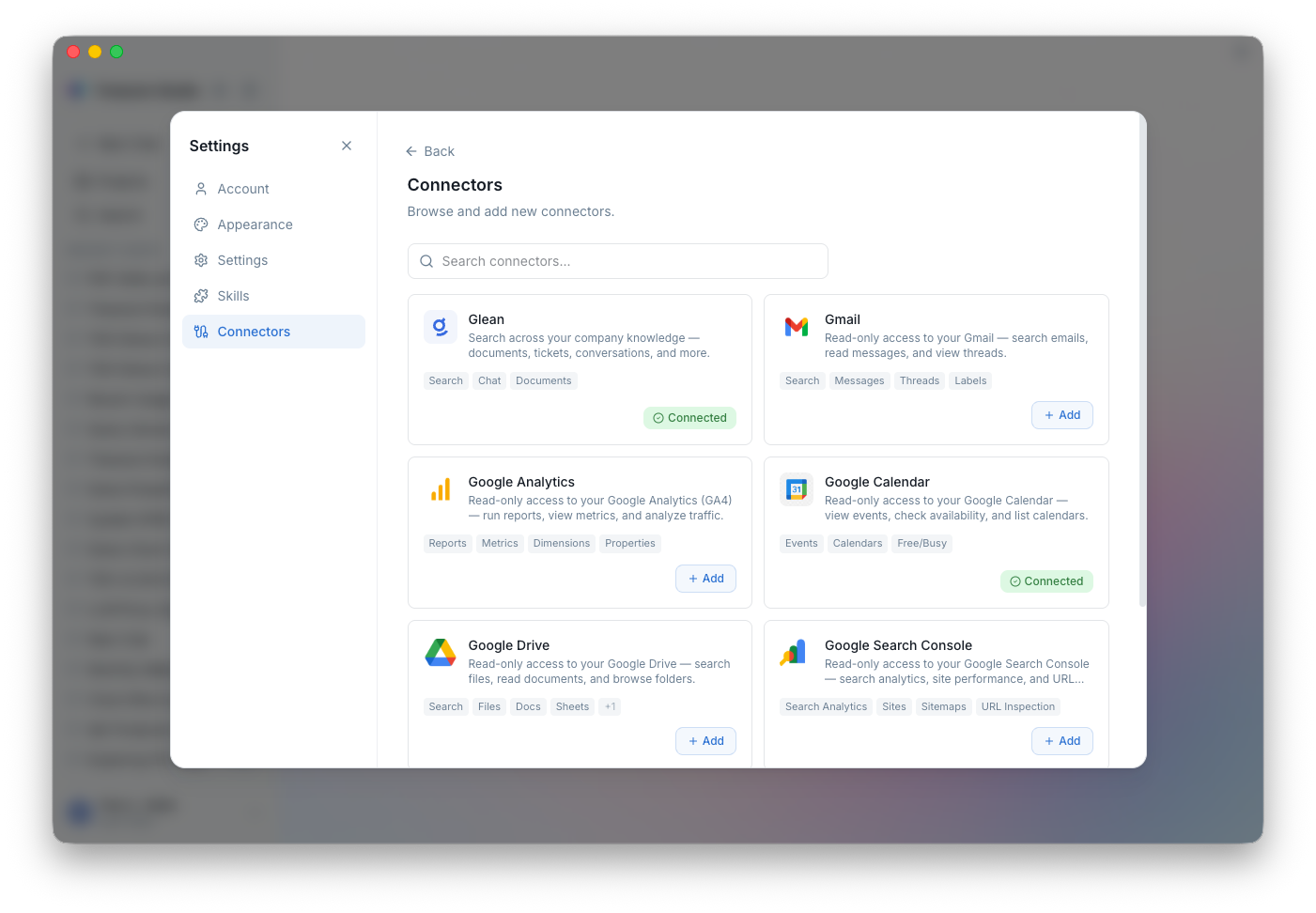
| Service | What the AI Can Do |
|---|---|
| Google Calendar | Check your schedule, find meeting conflicts, summarize upcoming events |
| Gmail | Search and read emails for context during analysis |
| Google Drive | Access documents and spreadsheets referenced in conversations |
| Google Analytics | Pull analytics data alongside TD data for unified reporting |
| Glean | Search your company's internal knowledge base |
| HubSpot | Look up contacts, deals, and CRM data |
| Atlassian | Read Jira tickets and Confluence pages for project context |
| Okta | Search users, view groups and app assignments, check MFA factors, review audit logs and policies |
To connect a service:
- Open Settings > Connections
- Click Connect next to the service
- Complete the OAuth flow in your browser
- The status updates to Connected — the AI can now use it
Custom MCP Servers
Need to connect something that isn't built in? Studio supports custom Model Context Protocol (MCP) servers. If your team has internal APIs or tools, wrap them in an MCP server and Studio's AI can use them like any other tool.
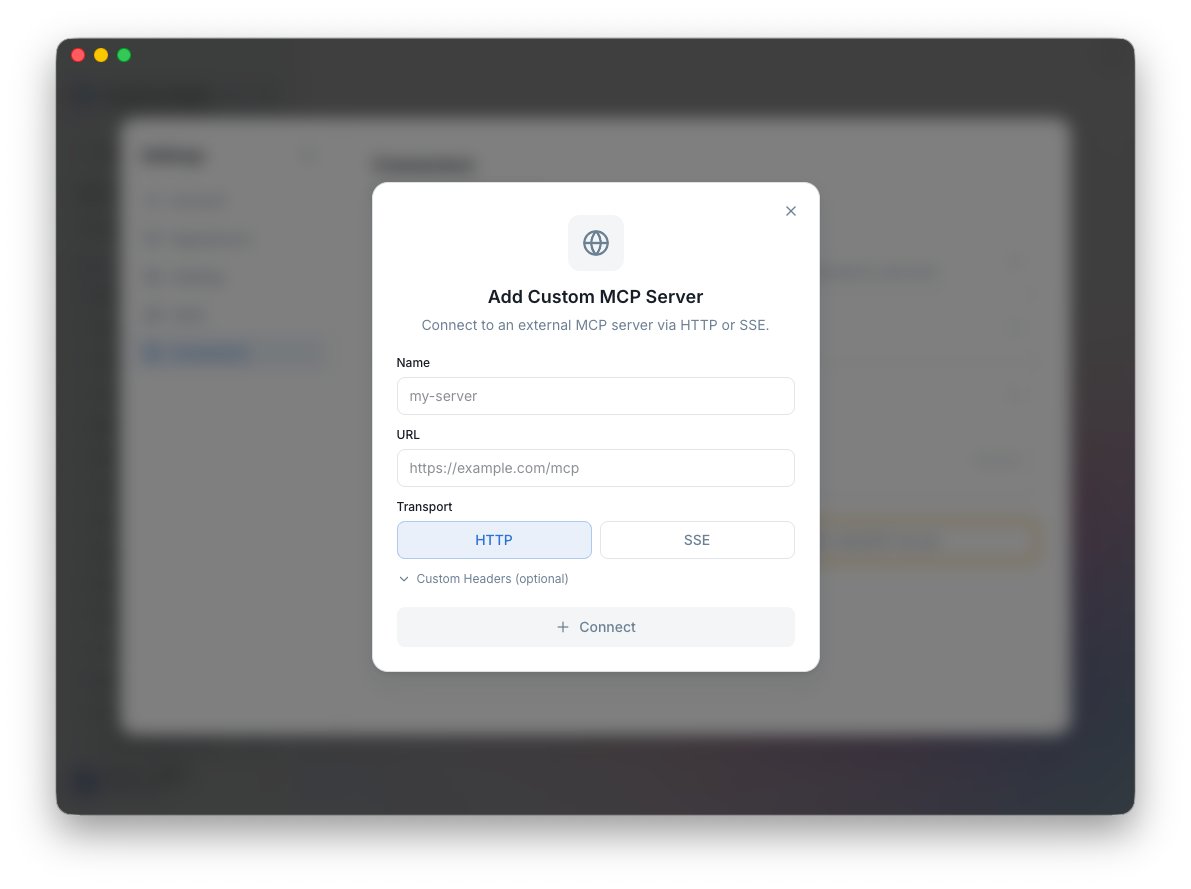
To add one:
- Open Settings > Connections
- Click Add MCP Server
- Enter the server URL (HTTP/SSE endpoint)
- Configure authentication if needed (OAuth supported)
- Click Save
The server's tools appear automatically in chat. The AI discovers what's available and uses the right tool for the job.
Built-in MCP Servers
Studio ships with built-in servers that are always available:
| Server | Description |
|---|---|
| td-docs | Searches Treasure AI documentation so the AI can reference accurate, up-to-date product information |
Connection Health
Studio monitors connections and shows their status:
- Connected — Working normally
- Expired — Token needs refresh (click to re-authenticate)
- Error — Something went wrong (check the server URL or credentials)
Security
All connections use modern security practices:
- OAuth with PKCE for all OAuth flows
- Encrypted token storage via your system's credential manager (macOS Keychain)
- HTTPS only — all traffic is encrypted in transit
Next Steps
- Skills — Extend the AI with specialized skills
- Introduction — Explore the full feature set
- Concepts — Understand projects, models, and credits